

-
 Hina Sohrab
- Verified ClickUp Consultant

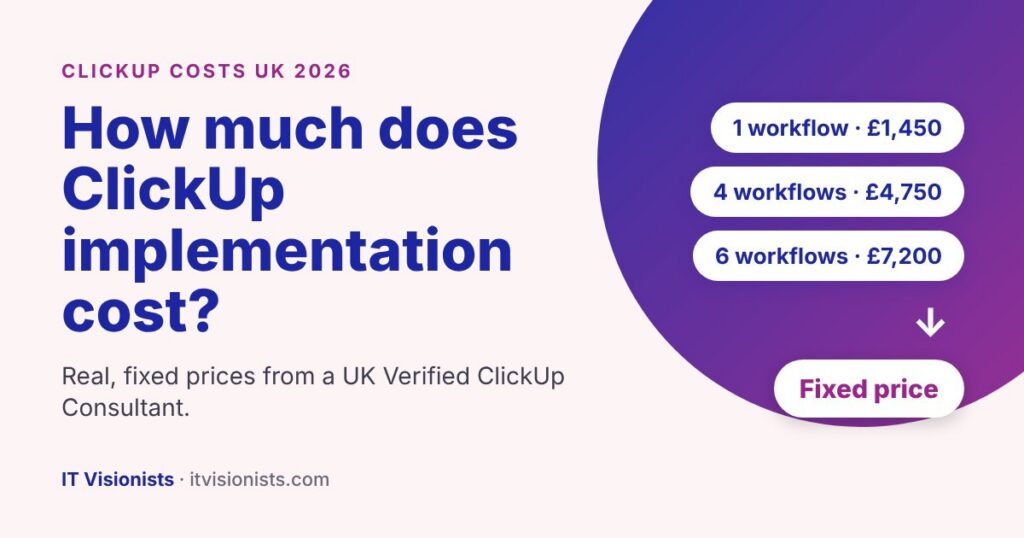
In 2026, a professional ClickUp implementation from a UK Verified ClickUp Consultant costs between £1,450 and £7,200 as a fixed price at IT Visionists, depending on how many workflows you need. One workflow, such as client onboarding, starts at £1,450 and takes around two weeks. A setup covering four workflows across a team costs around £4,750 and takes five to seven weeks. Larger, multi-team builds start from £9,000.
On top of that you pay ClickUp directly for licences, from $9 per user a month on the Core plan, and optionally a monthly support plan from £750 a month after launch.
Those are our published prices. The rest of this post explains what drives them, so you can estimate your own cost before you speak to anyone.
Why ClickUp setups are priced by workflow
The biggest factor in what a ClickUp setup costs is not the number of users. It is the number of workflows you need built.
A workflow is one repeatable process in your business: client onboarding, project delivery, a sales pipeline, recruitment, grant reporting or support requests. Each one needs its own structure, statuses, templates, automations and views, and each one needs mapping with the people who run it before anything is built.
That is why we price by workflow rather than by the hour. You know the cost upfront, and the price doesn’t creep if a build takes longer than expected. Most of the service businesses we work with need between two and four workflows to move their core work into ClickUp.
Our prices in 2026
All prices are fixed and include process mapping, the build, testing with your team, training and support after launch.
| Package | Price | Workflows | Timeline | Dashboards | Training | Support after launch |
|---|---|---|---|---|---|---|
| Starter | £1,450 | 1 | 2 weeks | Not included | Recorded handover | 1 week |
| Foundation | £2,850 | Up to 2 | 3 to 4 weeks | 1 | 1 team session, recorded | 1 week |
| Growth | £4,750 | Up to 4 | 5 to 7 weeks | 2 | 2 team sessions, recorded | 2 weeks |
| Scale | £7,200 | Up to 6 | 8 to 10 weeks | 3 | Team and admin training | 4 weeks |
| Custom | From £9,000 | 7+ or several teams | Agreed in your plan | Scoped to you | Scoped to you | 4 weeks |
Growth is the package most teams choose. If you start with one workflow and add more within 60 days, what you’ve paid counts towards the larger package, so you only pay the difference. Full details are on our ClickUp implementation page.
Costs on top of the build
ClickUp licences. You pay ClickUp directly, not your consultant. In November 2026 the yearly prices are Core $9, Business $17 and Max $100 per user a month (regular prices $12, $25 and $120). ClickUp labels Business its most popular plan. Our ClickUp pricing guide compares the plans in detail.
Data migration. Moving tasks, clients and history from monday.com, Asana, Trello, Notion or spreadsheets is quoted on top of a package, once we know how much needs to move and from where. It can’t be done within the Starter package. See our ClickUp migration service.
Integrations. Connecting ClickUp to other tools through Make or Zapier, such as your CRM, accounting software or website forms, is quoted in your proposal. ClickUp’s own built-in integrations are set up as part of the build.
Ongoing support after launch
ClickUp setups rarely break all at once. They drift as teams, clients and services change. A monthly support plan gives you a set number of expert hours to fix, improve and extend the workspace.
| Plan | Monthly | Paid annually | Hours a month | Good fit for |
|---|---|---|---|---|
| Maintain | £750 | £688 a month (£8,250 a year) | 10 | One team, under 30 users |
| Evolve | £1,450 | £1,329 a month (£15,950 a year) | 20 | One or two teams, under 50 users |
| Partner | £2,790 | £2,558 a month (£30,690 a year) | 40 | Three or more teams, or 50+ users |
Support is optional, but it is the difference between a workspace that keeps up with the business and one the team quietly abandons six months later. Details are on our ClickUp support plans page.
What pushes the price up or down
Things that increase the cost
- More workflows. Each extra process needs mapping, building and testing.
- Several teams with different needs. Role-based views and permissions take longer to get right.
- Moving data from another tool. Especially years of history, comments and attachments.
- Connections to other software. CRMs, accounting tools and forms built through Make or Zapier.
- An existing workspace that needs untangling. Fixing a messy setup can take longer than starting fresh, which is why we sometimes suggest a ClickUp Audit first.
Things that keep the cost down
- Starting with one workflow. Get the most painful process right first, then expand. Our 60-day credit means you don’t lose what you’ve paid.
- Knowing your process. If someone can explain how work flows today, mapping is faster.
- One decision-maker. Builds slow down when every choice needs a committee.
- Cleaning up data before migration. Archive what you don’t need instead of moving it.
What three typical firms would pay
These are illustrative examples based on our published prices. ClickUp licences are billed by ClickUp in US dollars at the current yearly rates.
| Firm | What they need | Build | ClickUp licences | Support (optional) |
|---|---|---|---|---|
| 8-person consultancy | Client onboarding only, starting small | Starter, £1,450 | Core: 8 × $9 = $72 a month | None to start |
| 15-person accountancy practice | Onboarding, client delivery and a sales pipeline | Growth, £4,750 | Business: 15 × $17 = $255 a month | Maintain, £750 a month |
| 40-person charity, three teams, moving from monday.com | Five workflows plus data migration | Scale, £7,200, plus migration quoted separately | Business: 40 × $17 = $680 a month | Evolve, £1,450 a month |
In each case the build is a one-off cost. Licences and support are ongoing.
FAQs
Why don’t you charge by the hour?
Hourly billing puts the risk on you: if a build takes longer, you pay more. A fixed price per workflow means you know the full cost before anything starts.
Is it cheaper to set ClickUp up ourselves?
It costs less upfront, but it costs your team’s time, and a DIY setup that stops working is one of the most common reasons teams come to us for a rebuild. If you go it alone, start with our guide on how to use ClickUp and avoid the five setup mistakes that make teams start over.
Do you need a paid discovery phase first?
No. We scope your workflows on a free call and send a fixed-price proposal. The only exception is a large existing workspace that needs untangling, where we may suggest a ClickUp Audit first.
Are ClickUp licences included in your price?
No. You pay ClickUp directly for licences, so you keep full ownership of your workspace and billing.
Want an exact price for your setup?
Book a free 30-minute call. We’ll go through the workflows you want in ClickUp and send a fixed-price proposal, so you know the full cost before you commit.